Managing a WordPress website can feel overwhelming at first, especially if you are responsible for content, security, updates, and performance at the same time. The good news is that WordPress is designed to be beginner-friendly, and with a simple routine you can keep your site stable, secure, and useful for visitors.
This beginner’s guide explains the most important tasks involved in WordPress website management. Whether you run a personal blog, a small business website, or an online publication, these practical steps will help you build confidence and avoid common mistakes.
Understand Your WordPress Dashboard
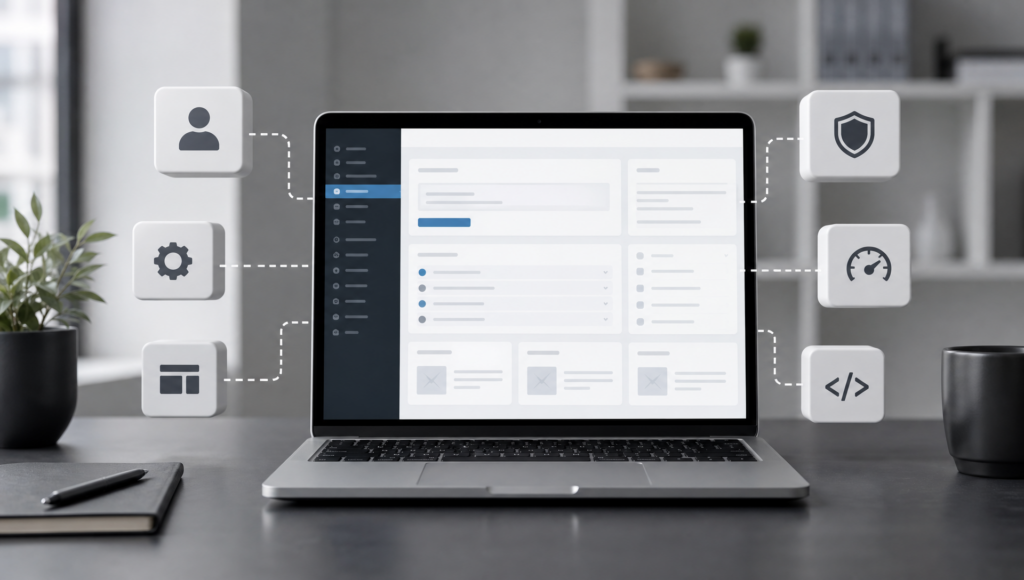
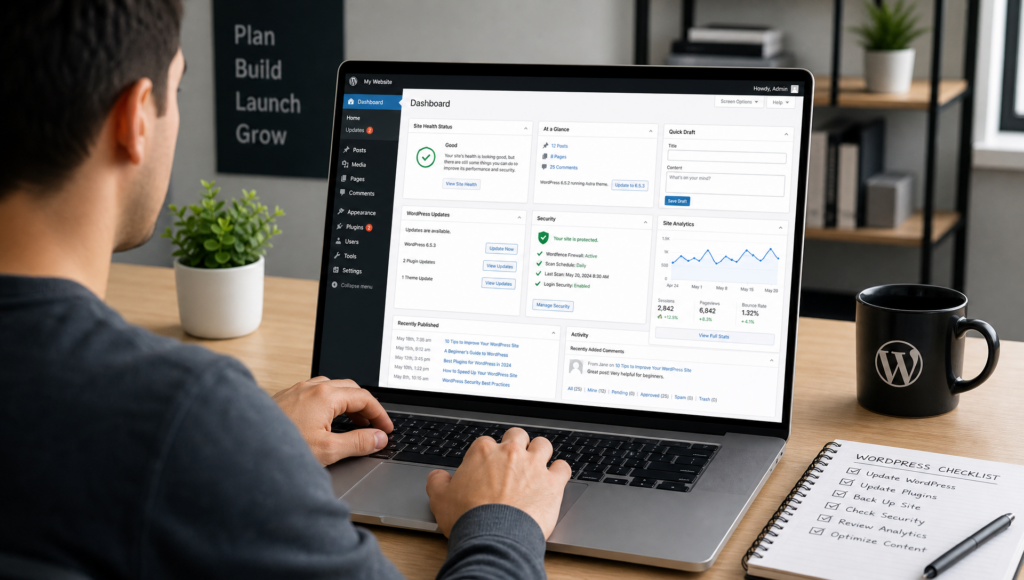
The WordPress dashboard is the control center of your website. From here, you can create posts and pages, upload media, manage comments, install plugins, adjust settings, and change your theme. Spend time exploring the main menu items, especially Posts, Pages, Media, Appearance, Plugins, Users, and Settings.
If you are new to the platform, the official WordPress documentation is a reliable place to learn the basics. You can also create an internal checklist on your site, such as a website management checklist, to keep track of recurring tasks.
Keep WordPress, Themes, and Plugins Updated
Updates are one of the most important parts of WordPress maintenance. They often include security fixes, performance improvements, and compatibility changes. In your dashboard, check the Updates section regularly and apply available updates for WordPress core, themes, and plugins.
Before updating, it is wise to make a backup. This is especially important if your website uses many plugins or has custom design elements. After updates, quickly review key pages, contact forms, menus, and checkout pages if you run an online store.
Choose Plugins Carefully
Plugins add useful features, but too many plugins can slow down your site or create conflicts. Install only plugins that serve a clear purpose. Common examples include SEO tools, contact forms, caching plugins, backup tools, security plugins, and analytics integrations.
Before installing a plugin, check when it was last updated, how many active installations it has, and whether it is compatible with your version of WordPress. You can browse the official WordPress plugin directory to compare trusted options.
Set Up Regular Backups
A backup is your safety net. If something goes wrong, such as a failed update, accidental deletion, or server issue, a recent backup allows you to restore your website. Beginners should use an automated backup solution that saves copies of both website files and the database.
Ideally, store backups away from your main hosting account, such as in cloud storage. For active websites, daily backups may be appropriate. For smaller sites with infrequent changes, weekly backups may be enough. Always test your restore process before you urgently need it.
Improve Website Security
WordPress security starts with basic habits. Use strong passwords, enable two-factor authentication where possible, and avoid using the default username “admin.” Each person who works on the website should have their own user account with the minimum permissions needed.
It is also important to install an SSL certificate so your website uses HTTPS. Many hosting providers include SSL certificates, and you can learn more about secure web connections from Let’s Encrypt. For more internal guidance, consider publishing a basic website security guide for your team.
Plan and Organize Your Content
Good website management is not only technical. Your content should be accurate, current, and easy to navigate. Use categories and tags thoughtfully so visitors can find related articles. Keep page titles clear, write helpful introductions, and update outdated information when needed.
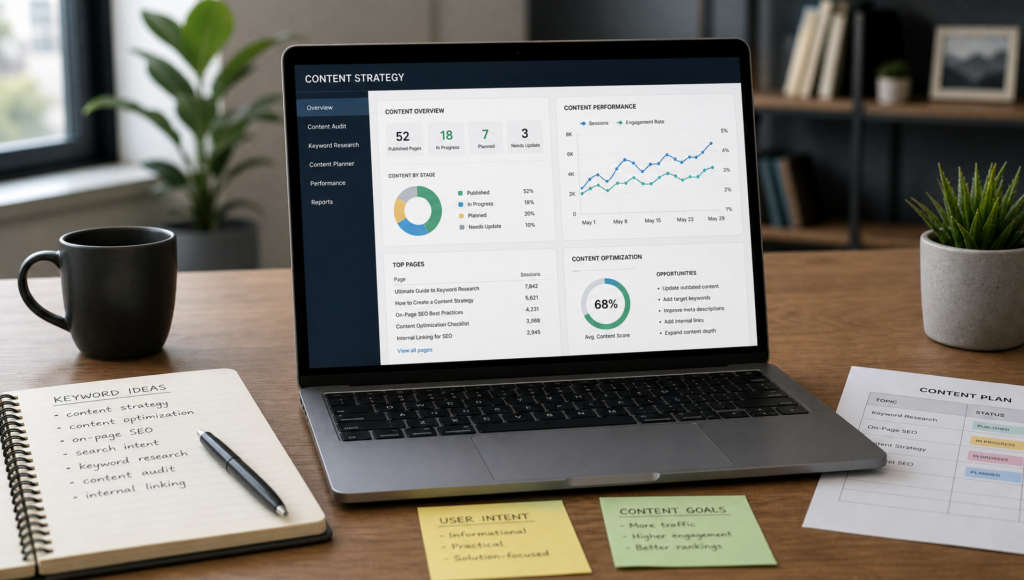
Create a simple content calendar to plan new articles, product updates, or announcements. Review older posts every few months to check links, facts, images, and calls to action. This improves the reader experience and can support search engine visibility.
Optimize for Search Engines
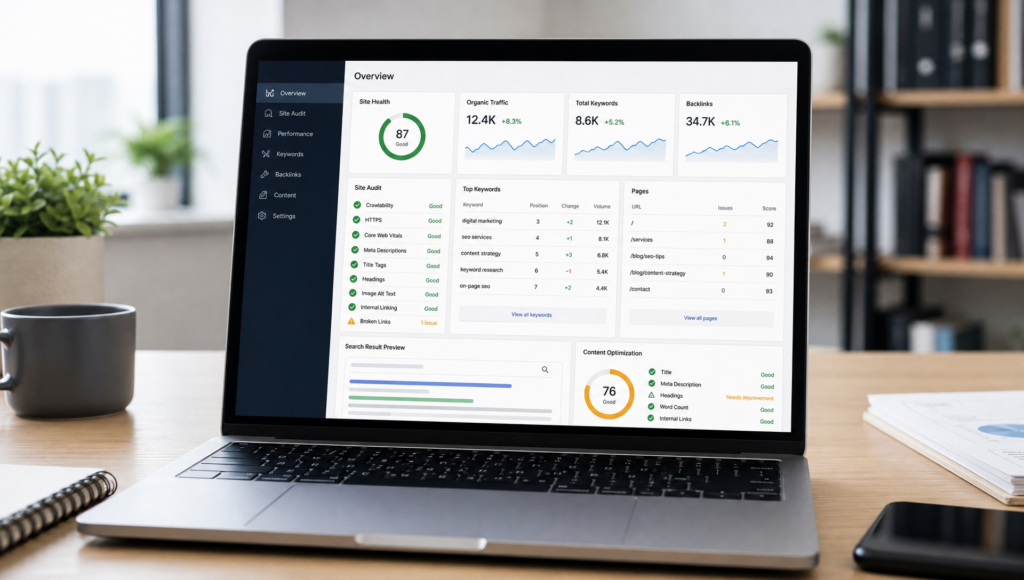
Search engine optimization, or SEO, helps people find your content through search engines. Start with the basics: write descriptive page titles, use clear headings, add meta descriptions, and include relevant keywords naturally. Avoid keyword stuffing, as it can make content harder to read.
SEO plugins such as Yoast SEO or Rank Math can guide you through optimization tasks. You should also create readable URLs, add alt text to images, and link between related pages on your website.
Monitor Performance and Speed
Website speed affects user experience. A slow site may cause visitors to leave before reading your content. Start by choosing reliable hosting, using optimized images, and enabling caching. Avoid uploading very large images directly from a camera or phone without resizing them first.
Free tools such as Google PageSpeed Insights can help you identify performance issues. Focus first on practical improvements, such as image compression, reducing unnecessary plugins, and using a lightweight theme.
Review Analytics and User Behavior
Analytics show how people find and use your website. You can monitor popular pages, traffic sources, time on page, and search queries. These insights help you decide what content to improve, which topics to expand, and where visitors may be leaving the site.
Google Analytics and Google Search Console are widely used tools for website owners. The official Google Search Console platform is especially useful for understanding how your site appears in search results.
Create a Simple Maintenance Routine
The easiest way to manage a WordPress website is to follow a regular schedule. Weekly tasks may include checking updates, reviewing backups, moderating comments, and testing important forms. Monthly tasks can include reviewing analytics, updating old content, checking broken links, and improving site speed.
By turning website management into a routine, you reduce risk and make steady progress. WordPress does not need to be complicated, but it does require attention. With careful updates, strong security habits, useful content, and regular monitoring, beginners can manage a WordPress website confidently and professionally.