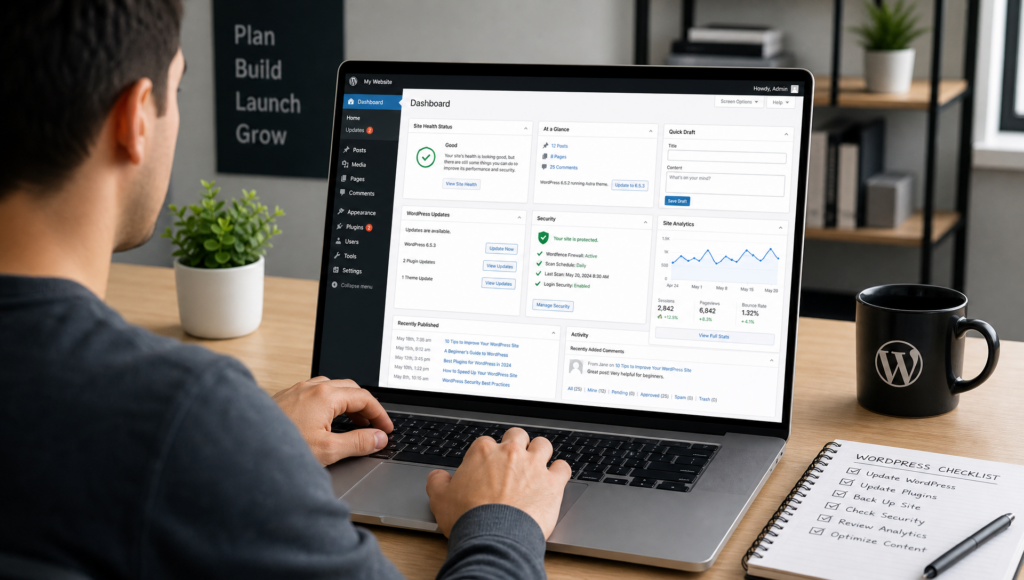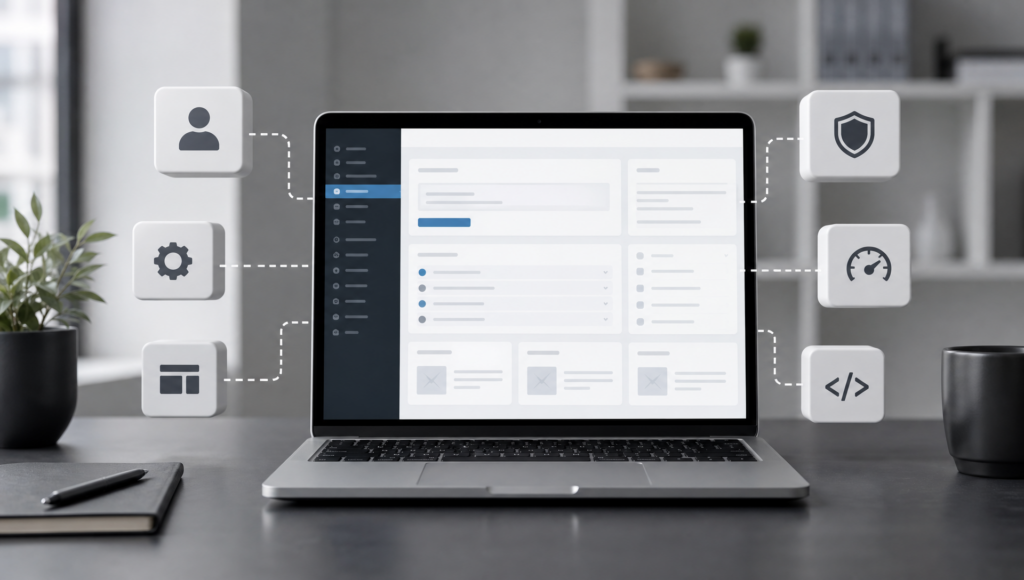
WordPress is popular because it gives website owners a flexible foundation: you can publish articles, create pages, manage media, and organize content without starting from scratch. But the real power of WordPress often comes from plugins. A plugin is an add-on that extends what your website can do. Instead of hiring a developer for every small feature, you can install a plugin that adds contact forms, search engine optimization tools, security features, online shop functions, booking systems, newsletters, analytics, and much more.
For many site owners, plugins are the difference between a simple website and a practical digital platform. Whether you run a blog, a business website, a portfolio, or an online store, understanding how plugins work helps you make better decisions. You can find thousands of options in the official WordPress Plugin Directory, while many premium providers offer advanced tools for specific needs.
What Is a WordPress Plugin?
A WordPress plugin is a package of code that adds new features or changes existing behavior on a WordPress site. Once installed and activated, it becomes part of your website’s system. Some plugins add visible features, such as a contact form or image gallery. Others work in the background, for example by improving performance, creating backups, or blocking suspicious login attempts.
The main advantage is convenience. You do not need to edit WordPress core files or write custom code for common functions. Good plugins are designed to integrate with the WordPress dashboard, so you can configure them through settings pages. If you are new to WordPress, our Beginner’s Guide to Managing a WordPress Website can help you understand the basics before you expand your site with additional tools.
Common Uses for WordPress Plugins
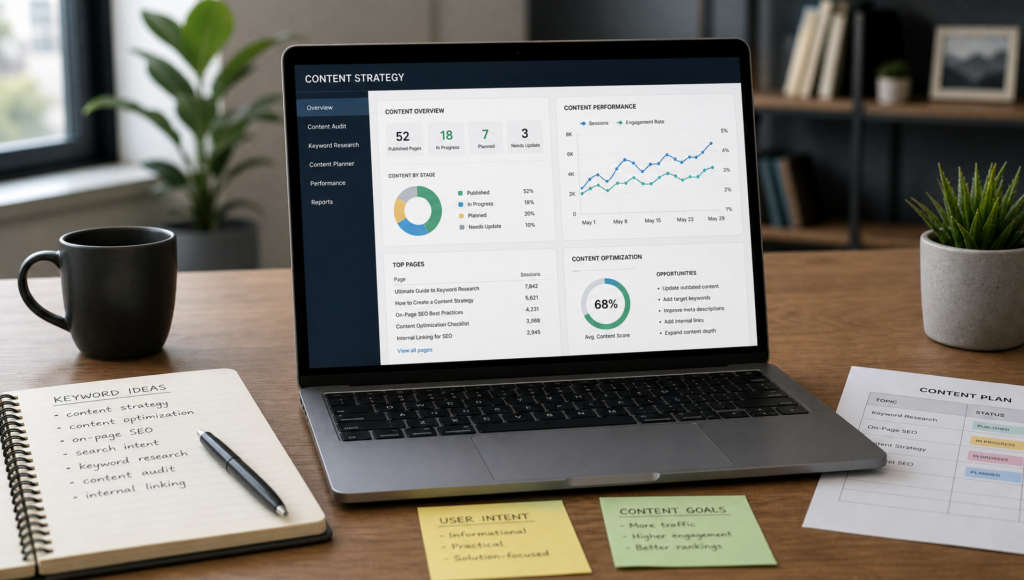
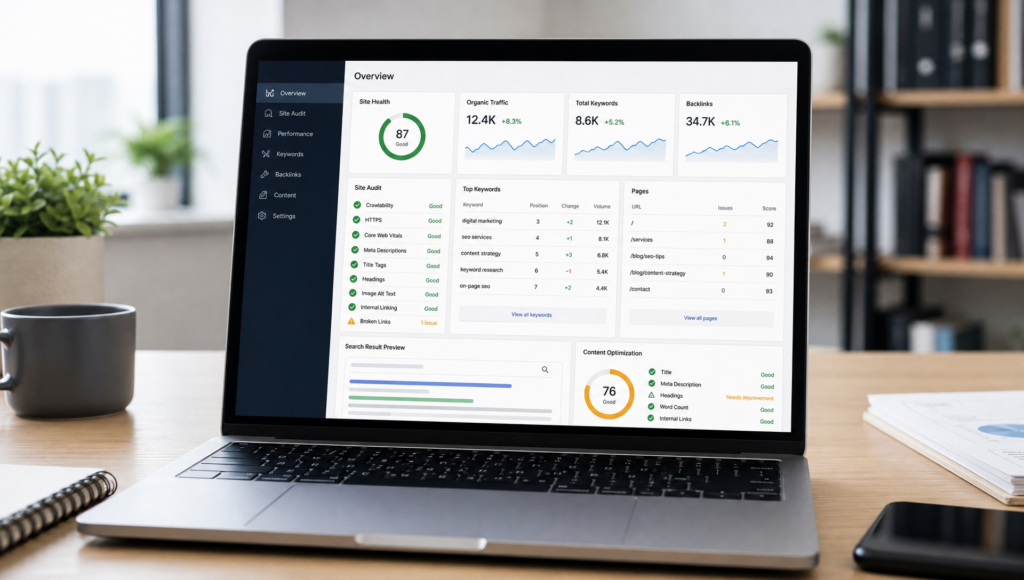
Plugins are useful in many areas of website management. One of the most common categories is search engine optimization. SEO plugins can help you edit meta titles and descriptions, create XML sitemaps, check readability, and control how pages appear in search results. They do not guarantee rankings, but they make important optimization tasks easier to manage.
Security is another major use case. Security plugins can monitor login attempts, add two-factor authentication, scan for known issues, and alert you to suspicious activity. They should not replace strong passwords, reliable hosting, and regular updates, but they can add an important extra layer of protection.
Performance plugins are also widely used. They may offer caching, file optimization, image compression, or database cleanup. A faster website can improve user experience and may support better search performance. However, performance plugins should be configured carefully, especially on complex websites with online shops or membership areas.
Other popular plugin types include form builders, spam protection, cookie consent tools, social sharing buttons, multilingual features, booking calendars, event management systems, and e-commerce solutions such as WooCommerce.
Why Plugins Are So Valuable
The biggest benefit of plugins is flexibility. A small business may begin with a basic website and later add appointment booking, testimonials, a newsletter sign-up form, or a product catalog. A publisher may start with a blog and later integrate advertising tools, editorial workflows, or advanced analytics. Plugins allow websites to grow step by step.
Plugins can also save time and money. Instead of developing every feature individually, you can use a tested solution that is already maintained by a developer or company. Many plugins offer free versions for simple needs and paid versions for advanced features. This makes them accessible to beginners while still offering room for professional use.
Another advantage is specialization. WordPress itself focuses on content management, while plugins focus on specific tasks. This separation makes the ecosystem broad and dynamic. Developers can create tools for very specific requirements, and website owners can choose what they need without overloading every WordPress installation by default.
Risks and Limits of Plugins
Plugins are useful, but they should be used responsibly. Installing too many plugins can make a website harder to manage and may affect speed, especially if several plugins load heavy scripts or duplicate similar functions. The number of plugins is less important than their quality, but every additional tool adds another element that must be updated and maintained.
Compatibility can also be an issue. A plugin may conflict with your theme, another plugin, or a new WordPress version. This is why it is sensible to create backups before major updates and to test changes where possible. For business-critical websites, a staging environment can reduce the risk of unexpected problems.
Security is another reason to choose carefully. Most reputable plugins are maintained responsibly, but outdated or poorly developed plugins can become a weakness. Before installing a plugin, check when it was last updated, how many active installations it has, whether support questions are answered, and whether it is compatible with your WordPress version. The official WordPress support resources can be useful if you run into general issues.
How to Choose the Right Plugin
Start with a clear question: what problem should the plugin solve? Avoid installing plugins simply because they look interesting. A focused approach keeps your site cleaner and easier to maintain. Compare several options, read recent reviews, look at documentation, and check whether the plugin developer has a reliable update history.
It is also helpful to consider long-term needs. A free plugin may be enough for a personal blog, while a business website may benefit from premium support, advanced settings, or integrations with other services. For example, an online store should prioritize stability, payment compatibility, and professional support over decorative features.
After installation, configure the plugin properly and remove anything you do not use. Deactivated plugins can still require updates, and abandoned tools should not remain on your site unnecessarily. Regular maintenance is part of responsible WordPress ownership.
Conclusion: Plugins Turn WordPress Into a Custom Platform
WordPress plugins are good for extending your website without rebuilding it from the ground up. They can improve SEO, security, performance, design, communication, e-commerce, and many other areas. Used wisely, they help website owners create professional and flexible online experiences.
The key is balance. Choose plugins that solve real problems, keep them updated, and avoid unnecessary overlap. With a thoughtful plugin strategy, WordPress can grow from a simple publishing tool into a powerful platform that supports your goals over the long term.